


Welcome to the user guide for hostsclick.com—a dedicated system for testing websites before transferring DNS. The tool we have created for you is free! We would be delighted if you would use it and share it with others.
The tool allows webmasters and developers to test their website's functionality on the new server before the DNS is redirected to it. For example, if you want to transfer a website from one server to another, you can use hostsclick.com to make sure that the website is working properly in the new environment before actually performing the redirect.
The tool allows you to check the availability of important pages, files, and services on the website, as well as check availability, loading speed, and overall functionality, all through a temporary link that is easily created without the need for significant changes to existing settings.
How do you use hostsclick.com?
Go to https://hostsclick.com
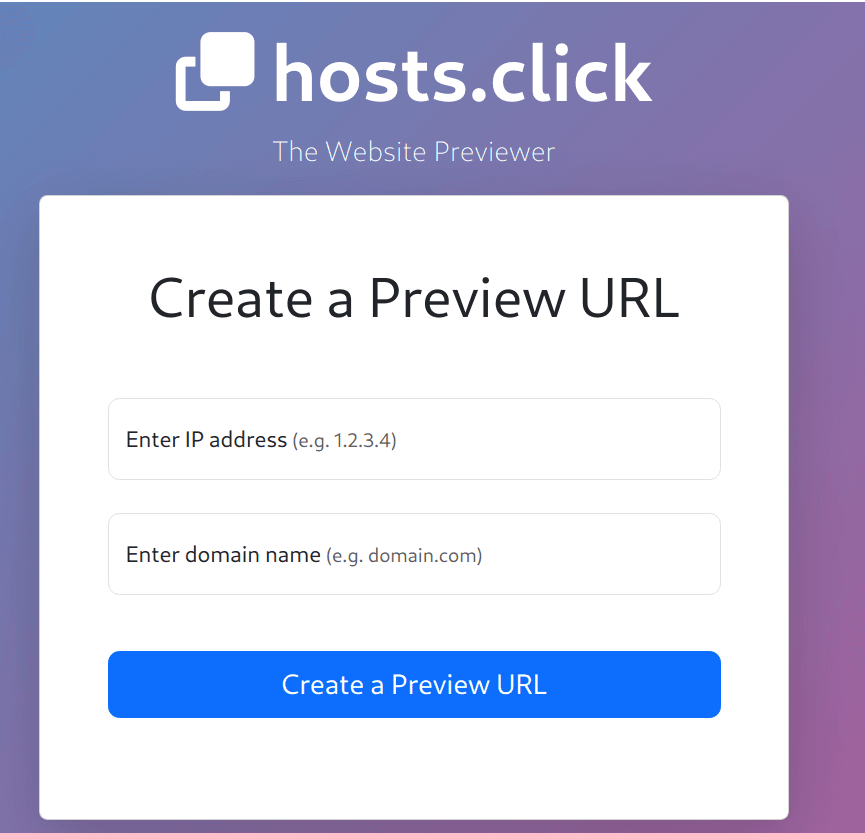
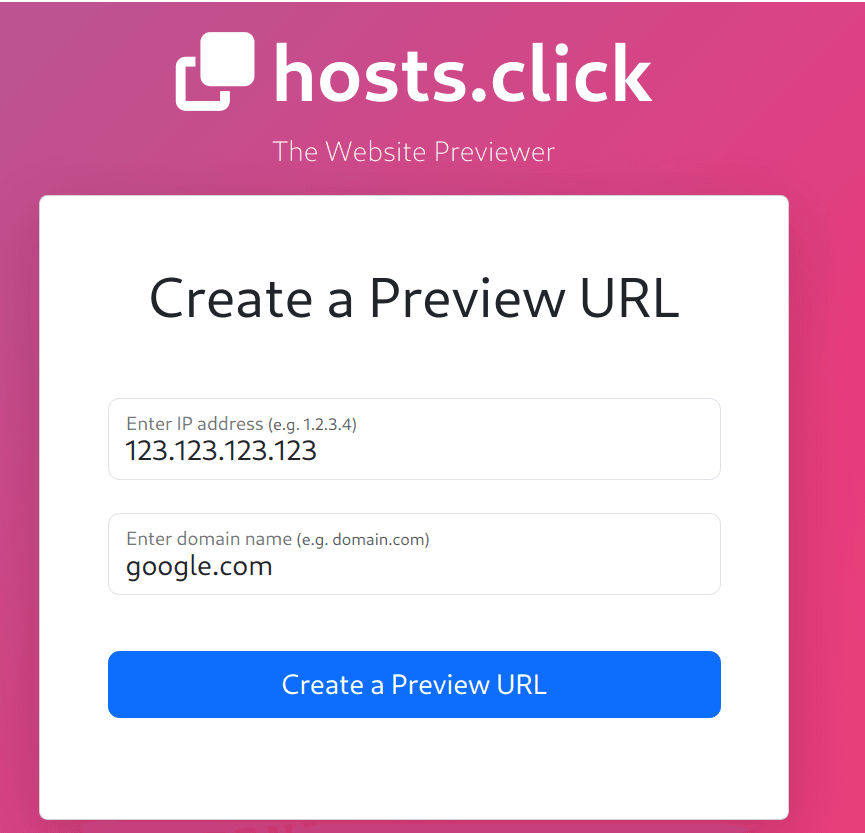
On the main page, there is a field for entering a domain and IP address. Type in the IP address of the remote server (for example: 123.123.123.123). Then, enter the domain name you want to check (for example: example.com).
Click the "Create a Preview URL" button or press Enter on your keyboard.
After entering the domain, the system will generate a temporary URL for you, which displays the website as it will appear on the new server.
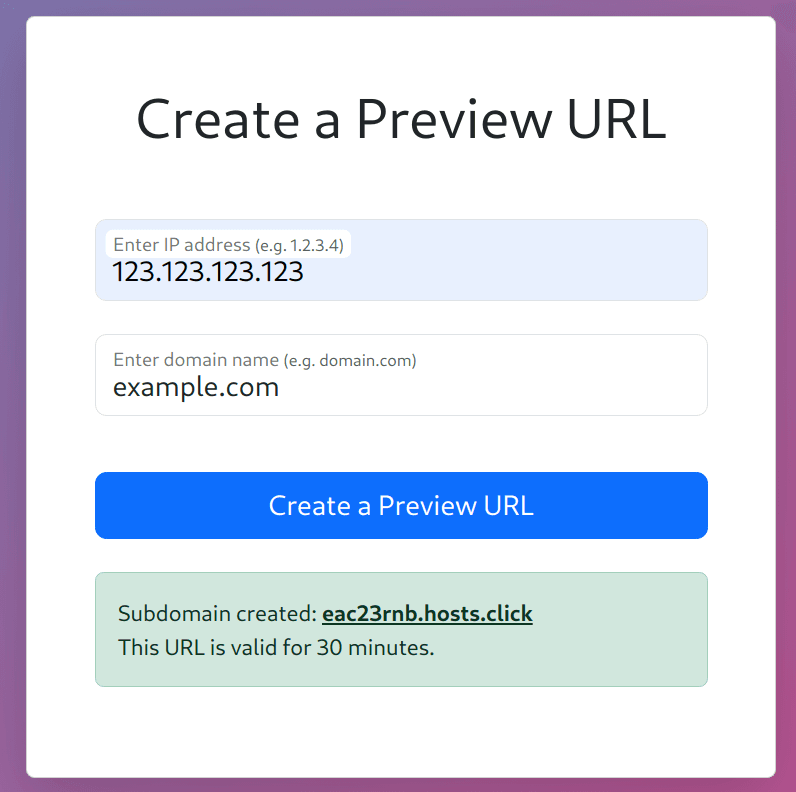
Using this link, you can check the website's integrity, design, and functionality before actually transferring the DNS.
Why use hostsclick.com:
- Immediate access to the website Our tool allows you to view the new website immediately, without having to wait for DNS changes. It is a quick and effective solution for testing the website during the development process.
- Simple to use with no complex settings No need to mess with editing files or complicated settings. The tool works transparently and very easily.
- Support for a variety of devices and browsers You can test the website from any device—computer, tablet, or phone—and see how it performs in different environments.
- Secure testing environment The environment is isolated and temporary, so your website remains protected during testing. This allows you to "play" with your website without exposing it or making a mess.